Fling to Climb False Ban and Appeal Guide
How to contact FLING 2 CLIMB safely if you believe your ban was a mistake.
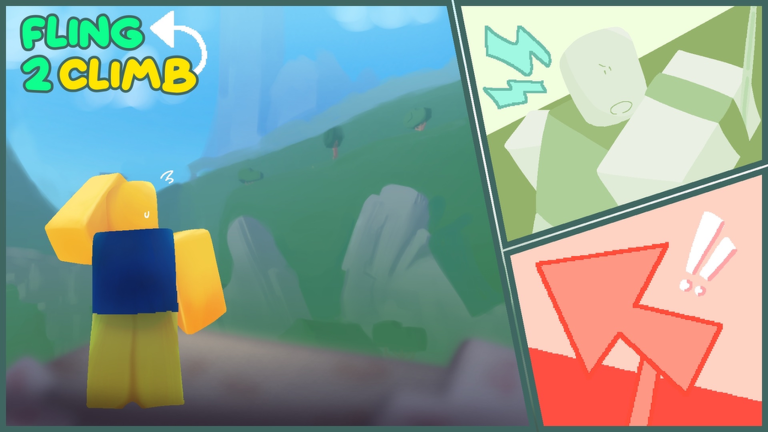
The Fling to Climb! experience description is blunt: hacking equals an instant permanent ban. It also tells players who believe a ban was wrong to join the communication server and contact the team. This guide explains that flow for legitimate appeals — not how to cheat, not how to buy unbans from strangers, and not how to share account cookies with fake support bots.
If you used scripts or exploits, assume the ban is intentional and read the Scripts Hub for why recovery is unlikely.
When an appeal makes sense
| Situation | Appeal? | Notes |
|---|---|---|
| You never used executors or injectors | Yes | Gather calm evidence |
| A friend ran scripts on your shared PC | Unlikely | Account ownership still applies |
| You used auto-climb loaders “just once” | No | Instant perm ban is advertised |
| You bought “unban for Robux” from a DM | Scam | Never pay third parties |
| Roblox-wide ban unrelated to this game | Maybe | Use Roblox support paths too |
False positives happen in busy Roblox titles, but they are rare compared with real anticheat hits. Approach appeals honestly.
Step-by-step appeal flow
- Read the kick/ban message in Roblox and note the exact wording and time (screenshot, no edits).
- Open the official communication server using links from the Roblox experience page or the Discord and community wiki page — never random “support” DMs.
- Find the support or appeals channel named in the server rules (names can change; read pinned posts).
- Post once with: Roblox username, approximate ban time, device (PC/mobile), and a short factual timeline (“I was climbing checkpoints, no third-party software”).
- Wait for staff — do not spam pings or open five duplicate tickets.
- If approved, log in fresh, avoid any tool that triggered suspicion, and re-read Getting Started habits.
What to include in a good ticket
- Username spelling exactly as Roblox shows it
- Whether you play PC, mobile, or both
- Whether anyone else uses your device or account
- Whether you installed executors “to test” (admit if true — lying wastes everyone’s time)
- Links are not required unless staff asks; never post
.ROBLOSECURITYor passwords
Scam patterns to ignore
- “Pay 500 Robux to unban” bots
- Fake support forms on sites that are not roblox.com
- Discord users who DM first after you complain in public chat
- “Staff” asking you to log into a third-party panel
The real team uses the communication server referenced on the game page. Our Links Hub points to legitimate destinations only.
Preventing the next ban
- Do not run scripts — see Scripts Hub
- Do not share accounts
- Report bugs instead of exploiting them
- Avoid clients that inject into Roblox globally while you play skill games
If your appeal is denied
Assume the account is finished for this experience and start fresh only if Roblox policy allows. Never buy stolen accounts. Improve legitimately with advanced fling and game passes you purchase inside Roblox.
Related wiki links
- Discord and community
- Players Hub
- Updates Hub if anticheat patches changed recently
- Links Hub
Appeals work when they are honest, patient, and sent through official channels — not when they are bought from a YouTube comment section.
Frequently Asked Questions
Quick answers to the most common questions.
Does Fling to Climb allow false ban appeals?
The game text says to contact the team through the communication server if you believe a ban was wrong. Use official links only.
Can I pay someone to unban my account?
No. Paid unban services are scams. Legitimate appeals go through the developer communication server.
Should I admit I tried a script once?
Yes if true. Staff can verify logs. Honesty is faster than contradictory stories.
Where is the communication server linked?
From the official Roblox experience page and our Discord and community guide, which explains how to verify links.